AI for Everyday Life
How I Use AI to Organise My Week
A simple weekly planning ritual that turns an overcrowded list into a realistic plan.
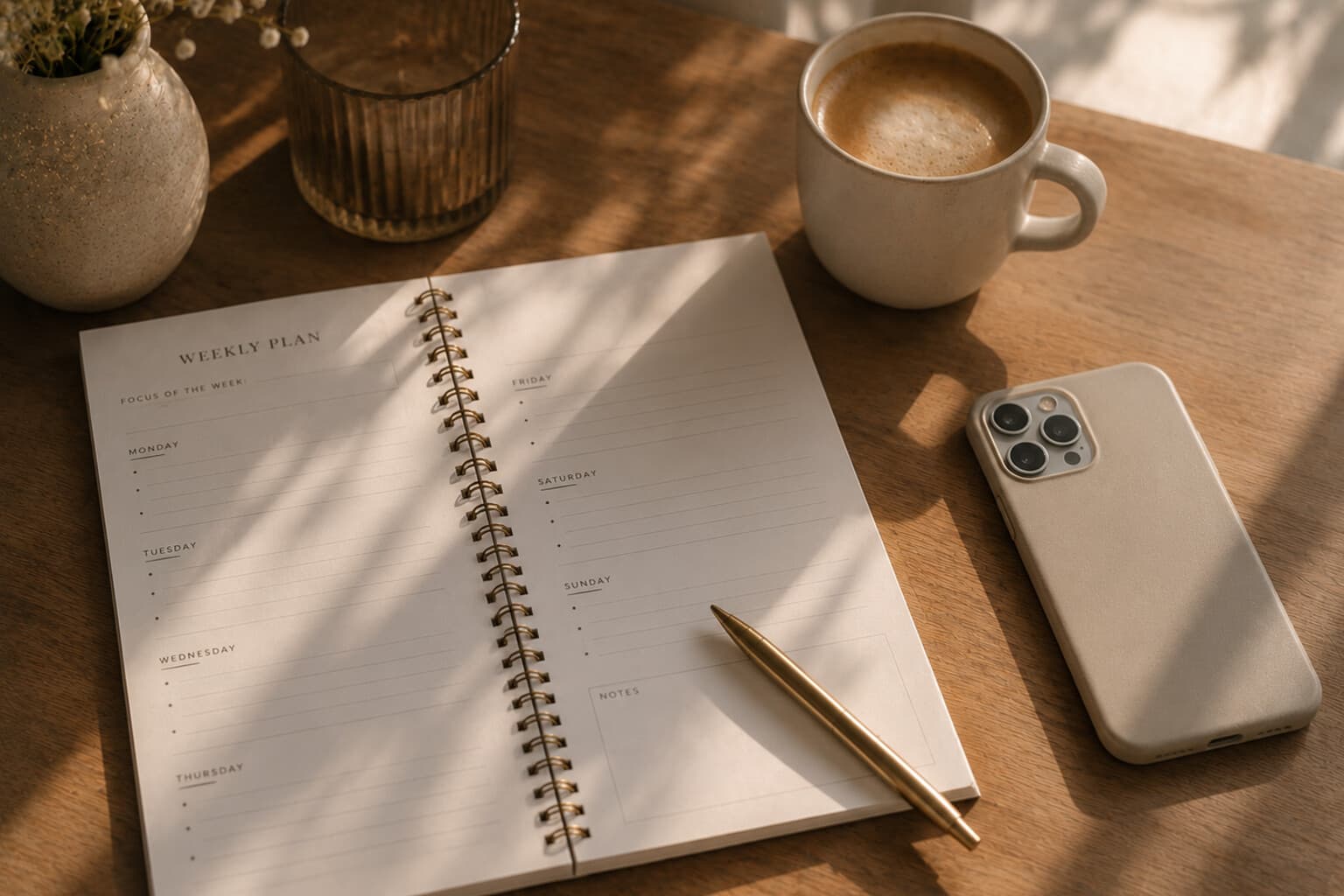
A new week often begins with several different kinds of information competing for attention.
Calendar appointments. Work deadlines. Household tasks. Messages that need a response. Groceries. Personal plans. Things that were not completed last week.
I use AI to bring these separate pieces into one clear overview.
It does not decide what matters to me. It helps me see the week more clearly so I can make those decisions myself.
Step 1: Gather Everything in One Place
Before asking AI to create a plan, I collect the raw information: fixed appointments, important deadlines, tasks that must happen this week, tasks I would like to complete, household responsibilities, meals or groceries that require planning, personal commitments, and anything still open from the previous week.
I do not organise the list first. The purpose of this stage is simply to remove the information from my head.
Step 2: Add Realistic Limits
A weekly plan is only useful when it reflects the time and energy actually available. I mention which days are already busy, how much time I realistically have, whether there are travel days or long workdays, my current energy level, which task is most important, and what may be postponed.
I also ask for buffer time. A plan that uses every available minute may appear efficient, but it rarely survives contact with real life.
Step 3: Ask for a First Structure
Example prompt: "Help me organise the following week. These are my fixed appointments, deadlines and tasks: [add information]. My busiest days are [days], and I have more flexibility on [days]. Create a realistic plan with no more than three main priorities per day. Include buffer time and identify anything that can move to next week."
The response becomes a first draft. I review it rather than automatically following it.
Step 4: Correct the Plan
AI does not know the emotional weight of a task. A ten-minute phone call may require more energy than an hour of routine administration. A task may be technically movable but personally important.
I adjust the plan by asking it to move a task to a quieter day, avoid scheduling demanding tasks after a particular appointment, group similar household tasks together, reduce a day to essential tasks only, or keep one evening completely free.
This turns a generic schedule into a plan that reflects the rhythm of the actual week.
Step 5: Choose Three Weekly Anchors
Instead of trying to complete everything, I choose three anchors: one important work or project outcome, one practical life-admin outcome, and one personal or restorative intention.
For example: complete and submit a project proposal, arrange the annual insurance review, and keep Sunday afternoon free for rest and reading.
These anchors help the week feel purposeful without making every day equally demanding.
Step 6: Create Supporting Lists
Once the structure is clear, I may ask AI to create a grocery list based on the meal plan, a short preparation list for an appointment, a list of emails that need drafting, a packing list, a twenty-minute household reset, or a list of tasks suitable for low-energy moments.
These smaller lists support the plan without overcrowding the main overview.
Step 7: End With a Lighter Friday Review
At the end of the week, I review what was completed and what is still relevant. Example prompt: "Review this list of completed and unfinished tasks: [add list]. Help me decide what should be carried into next week, what can be removed and what requires a new deadline. Keep the result concise and avoid automatically rescheduling everything."
Not every unfinished task deserves another place on the calendar. Sometimes the most useful outcome is deciding that something no longer needs to be done.
Prompts to Try
A weekly planning ritual
The Weekly Planning Prompt
A fuller weekly planning prompt built around your busiest days, energy and one clear outcome.
Help me organise my week using the information below. Fixed appointments: [add appointments]. Deadlines: [add deadlines]. Important tasks: [add tasks]. Household and personal tasks: [add tasks]. My busiest days: [add days]. My available time: [add realistic availability]. My energy level: [low, moderate or high]. My most important outcome this week: [add outcome]. Create a realistic weekly plan with no more than three priorities per day. Include buffer time, group similar tasks and identify what can wait. Keep at least one period free for rest or unexpected changes.
Do not enter confidential, financial, medical or otherwise sensitive personal information into an AI tool.
Pair It With
- AI for a Calmer Life
- My Monthly AI Reset
- How I Use Microsoft Copilot as a Manager (Without Letting AI Do the Managing)
Frequently Asked Questions
How does Esther use AI to plan her week?
She first gathers everything in one place - fixed appointments, deadlines, tasks, groceries and anything left over from last week - without organising it yet. Only then does she add realistic limits (busy days, available time, energy level) and ask AI for a first draft structure.
Does AI decide what matters most during the week?
"It does not decide what matters to me. It helps me see the week more clearly so I can make those decisions myself." She also chooses her own three weekly anchors by hand - one work outcome, one life-admin outcome and one personal or restorative intention.
What if the AI-generated weekly plan does not feel right?
It gets corrected, not followed blindly - AI does not know the emotional weight of a task. She asks it to move a task to a quieter day, avoid demanding tasks after a particular appointment, group similar household tasks together, or keep one evening completely free.
What happens to tasks that do not get finished that week?
At the end of the week she reviews what is completed and what is still relevant, and decides what carries over, what can be removed and what needs a new deadline. "Not every unfinished task deserves another place on the calendar."
AI does not make the week calm by itself.
The calm comes from seeing what matters, accepting what fits and allowing the rest to wait.
A good weekly plan is not the one that contains the most.
It is the one that makes the important things possible.
A Note on This Content
The content on Essy’s Essentials is intended for general inspiration, personal organisation and educational purposes. It does not constitute personal financial, investment, tax or legal advice. Always consider your own circumstances and seek qualified advice where appropriate. Any amounts shown are illustrative examples only, never a recommendation for what you personally should save or spend.

Written by Esther
Esther is a photographer and storyteller, and the founder of Essy's Essentials - a seasonal home for stories, rituals, recipes and everyday luxuries.
More about Esther →