Microsoft 365 & Productivity
A Simple OneNote Life-Admin System
One digital notebook for plans, practical information and the notes you need to find again.
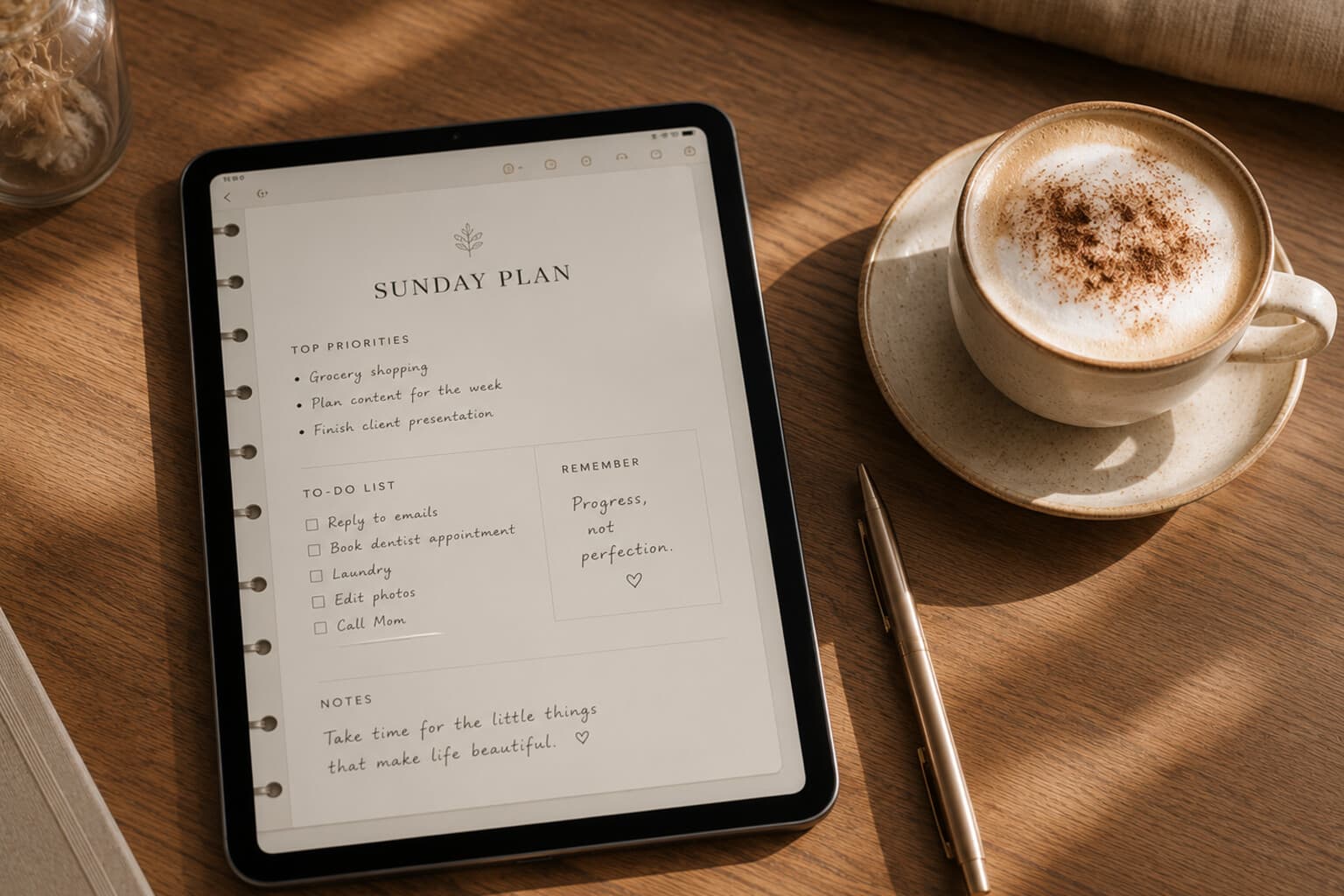
Notes become difficult to use when they are spread across loose documents, email drafts, screenshots, paper lists and several digital apps.
OneNote offers a structure of notebooks, sections and pages that can be used to organise information in a way that resembles a physical binder.
The key is not to create the most elaborate notebook. It is to create one simple place you know to check.
Notebook title: Life Admin.
Section 1: Inbox
Use this section for temporary capture - an idea that arrives during the day, information copied from an email, a list that has not yet found a home, notes from a phone call, something to research, a reminder that needs to become a task.
Review the Inbox once a week. Move, convert or delete every item. The Inbox is an entrance, not permanent storage.
Section 2: This Season
Use this section for information related to the current season or next few months - seasonal priorities, upcoming occasions, travel and days out, home plans, wardrobe needs, recipes to try, reading and watching, financial preparations.
Archive or replace the section when the season changes.
Section 3: Home
Possible pages: maintenance schedule, appliance information, paint colours and materials, measurements, suppliers and tradespeople, garden notes, future improvements, cleaning and reset routines.
Do not store passwords, access codes or highly sensitive financial information in ordinary notes.
Section 4: Personal Administration
Possible pages: annual review checklist, appointment preparation, subscriptions to review, important renewal months, documents to locate, questions for service providers.
Keep sensitive original documents in an appropriately secured storage location. OneNote can hold checklists and summaries without becoming the sole repository for confidential records.
Section 5: Travel
Possible pages: places to consider, future trips, packing templates, accommodation research, restaurants and cafés, transport notes, completed itineraries.
Create one page per trip and use a consistent format: destination, dates, bookings, ideas, packing, budget, open questions.
Section 6: Meetings and Conversations
Possible pages: preparation, questions, notes, decisions, actions. Use one clear date format in page titles, for example "2026-07-17 — Monthly Review."
At the end of each page, include: decisions, my actions, waiting for, follow-up date.
Section 7: Reference
Use this for information that remains useful but is not currently active - templates, checklists, instructions, book notes, useful contacts, recurring procedures.
Reference should remain selective. Information that can be found more easily through a reliable current source does not always need to be copied into a notebook.
Section 8: Archive
Move completed or inactive pages here. Archive by year or subject.
Do not spend time perfectly categorising material that is unlikely to be used again. Delete when there is no legal, practical or personal reason to retain something.
Page Template
Title. Date. Purpose. Notes. Decision. Next action. Waiting for. Review date.
Small Next Steps
- Empty the Inbox section.
- Convert actions into tasks.
- Move useful notes.
- Delete duplicates.
- Add clear page titles.
- Archive completed material.
- Check whether current pages still reflect current priorities.
Pair It With
Frequently Asked Questions
How is the "Life Admin" OneNote notebook structured?
Eight sections: Inbox, This Season, Home, Personal Administration, Travel, Meetings and Conversations, Reference, and Archive - built to resemble a physical binder rather than a single long, unsorted note.
What goes in the Inbox section?
Temporary capture only - an idea that arrives during the day, information copied from an email, notes from a phone call. It gets reviewed once a week and everything is moved, converted or deleted; the Inbox is an entrance, not permanent storage.
Is it safe to store sensitive documents in OneNote?
No - passwords, access codes and highly sensitive financial information should not go in ordinary notes. Keep sensitive original documents in an appropriately secured location; OneNote is better used for checklists and summaries.
How often does this notebook need maintenance?
A weekly reset: empty the Inbox section, convert actions into tasks, move useful notes to the right section, delete duplicates, and archive completed material.
A good notebook is not a record of everything you have ever thought.
It is a trusted place for information that still helps you live, decide or remember.
A Note on This Content
The content on Essy’s Essentials is intended for general inspiration, personal organisation and educational purposes. It does not constitute personal financial, investment, tax or legal advice. Always consider your own circumstances and seek qualified advice where appropriate. Any amounts shown are illustrative examples only, never a recommendation for what you personally should save or spend.

Written by Esther
Esther is a photographer and storyteller, and the founder of Essy's Essentials - a seasonal home for stories, rituals, recipes and everyday luxuries.
More about Esther →