Digital Decluttering
The Digital Inbox System
A simple method for processing digital information before it becomes permanent clutter.
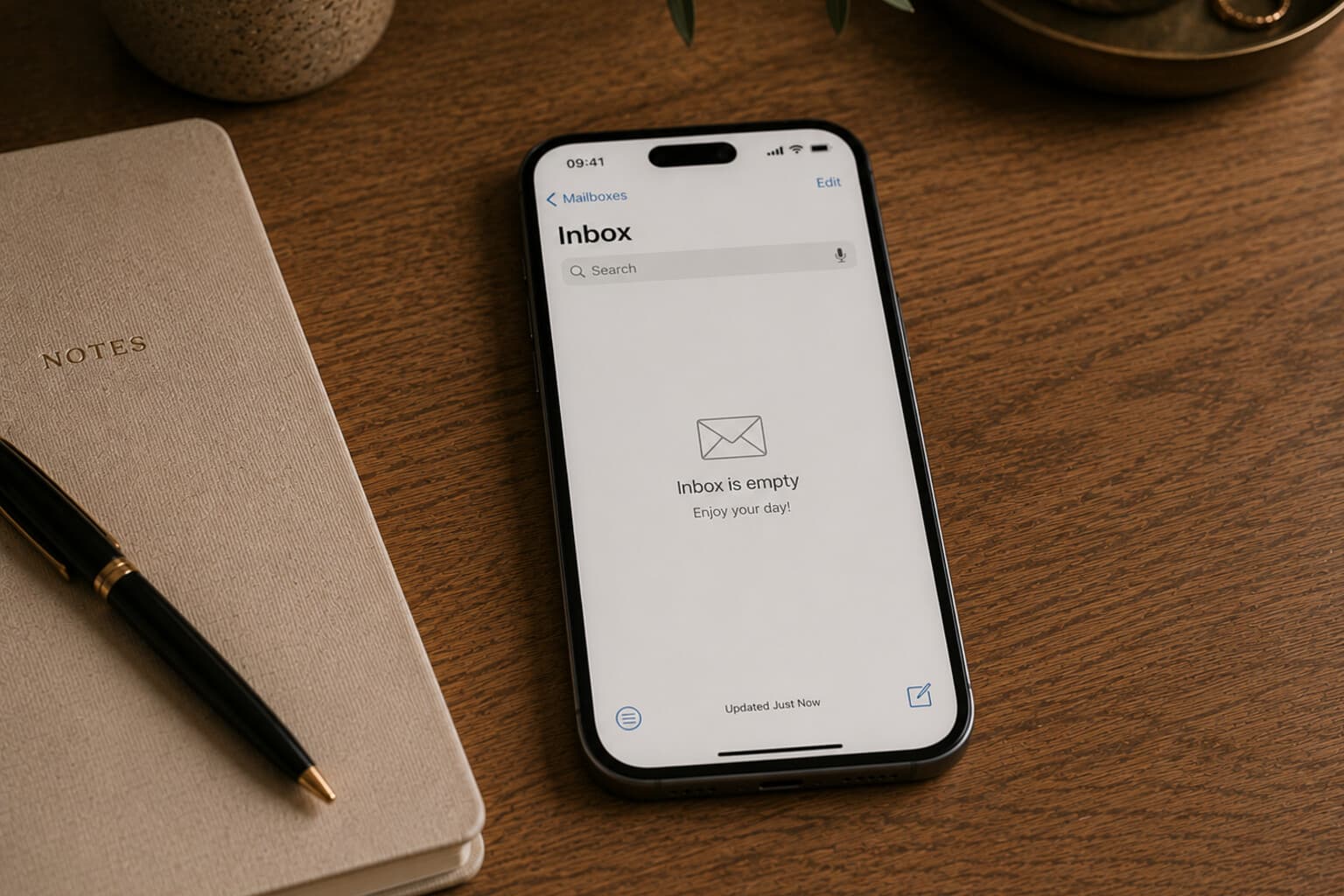
Digital information arrives through many entrances - email, downloads, screenshots, messaging apps, shared links, scanned documents, notes, photographs, browser tabs.
Without a processing system, each entrance becomes a separate storage location.
A Digital Inbox System gives temporary information one clear route. The principle is simple: capture temporarily, process regularly, store deliberately, delete confidently.
Choose Your Digital Inboxes
You may need a small number of temporary collection points - for example, an email inbox, a Downloads folder, a cloud Inbox folder, a Notes Inbox, a Task Inbox, and a photograph album called "To Process."
Do not create too many. The purpose is to reduce uncertainty, not spread it across more places.
Email Inbox
Use for new communication, requests, confirmations, and information awaiting a decision.
Process by replying, creating a task, scheduling, filing, archiving, or deleting.
Downloads Folder
Use for recently downloaded files, attachments, temporary exports and installation files.
Process by renaming, filing, or deleting. Do not use Downloads as a long-term archive.
Cloud Inbox Folder
Use for scanned documents, files received from others, and items not yet assigned to a permanent folder.
Process weekly. Every retained file should leave the Inbox and move to a clear location.
Notes Inbox
Use for quick ideas, information captured while mobile, temporary lists and questions.
Process by developing, moving, scheduling, turning into a task, or deleting.
Task Inbox
Use for actions captured quickly before they are clarified.
Process by adding a clear action title, a due date only when necessary, the correct list or project, and relevant notes. Delete tasks that are not actually worth completing.
Photograph "To Process" Album
Use for receipts, measurements, reference images, documents photographed temporarily, and items to research.
Process by transferring the information and deleting the image when it is no longer needed.
The Weekly Processing Order
Begin with the easiest areas: downloads, screenshots, loose notes, tasks, email.
The larger inboxes become easier when several quick areas have already been cleared.
Use Four Decisions
Every digital item should lead to one of four decisions: do, store, schedule, or delete. When someone else must act, add a fifth decision: wait and review.
Avoid the hidden sixth decision: leave it here because I do not want to decide.
Pair It With
Frequently Asked Questions
What is the core principle behind the Digital Inbox System?
Capture temporarily, process regularly, store deliberately, delete confidently - giving temporary information (email, downloads, screenshots, notes) one clear route instead of letting every entrance become its own storage location.
How many digital inboxes do I actually need?
A small number - typically an email inbox, a Downloads folder, a cloud Inbox folder, a Notes Inbox, a Task Inbox and a "To Process" photo album. More than that spreads uncertainty rather than reducing it.
What four decisions should every digital item lead to?
Do, store, schedule, or delete - with a fifth option, wait and review, when someone else needs to act first. The one decision to avoid is leaving it exactly where it is because you do not want to decide.
In what order should I process a backlog of digital inboxes?
Start with the easiest areas first - downloads, screenshots and loose notes - before moving to tasks and email. The larger inboxes become easier once the quick ones are already cleared.
A digital inbox works only when it remains temporary.
Its value is not that it holds information.
Its value is that it gives new information a clear place to wait until a decision can be made.
A Note on This Content
The content on Essy’s Essentials is intended for general inspiration, personal organisation and educational purposes. It does not constitute personal financial, investment, tax or legal advice. Always consider your own circumstances and seek qualified advice where appropriate. Any amounts shown are illustrative examples only, never a recommendation for what you personally should save or spend.

Written by Esther
Esther is a photographer and storyteller, and the founder of Essy's Essentials - a seasonal home for stories, rituals, recipes and everyday luxuries.
More about Esther →