Digital Decluttering
Notifications Without the Noise
A deliberate system for deciding which information deserves immediate access to your attention.
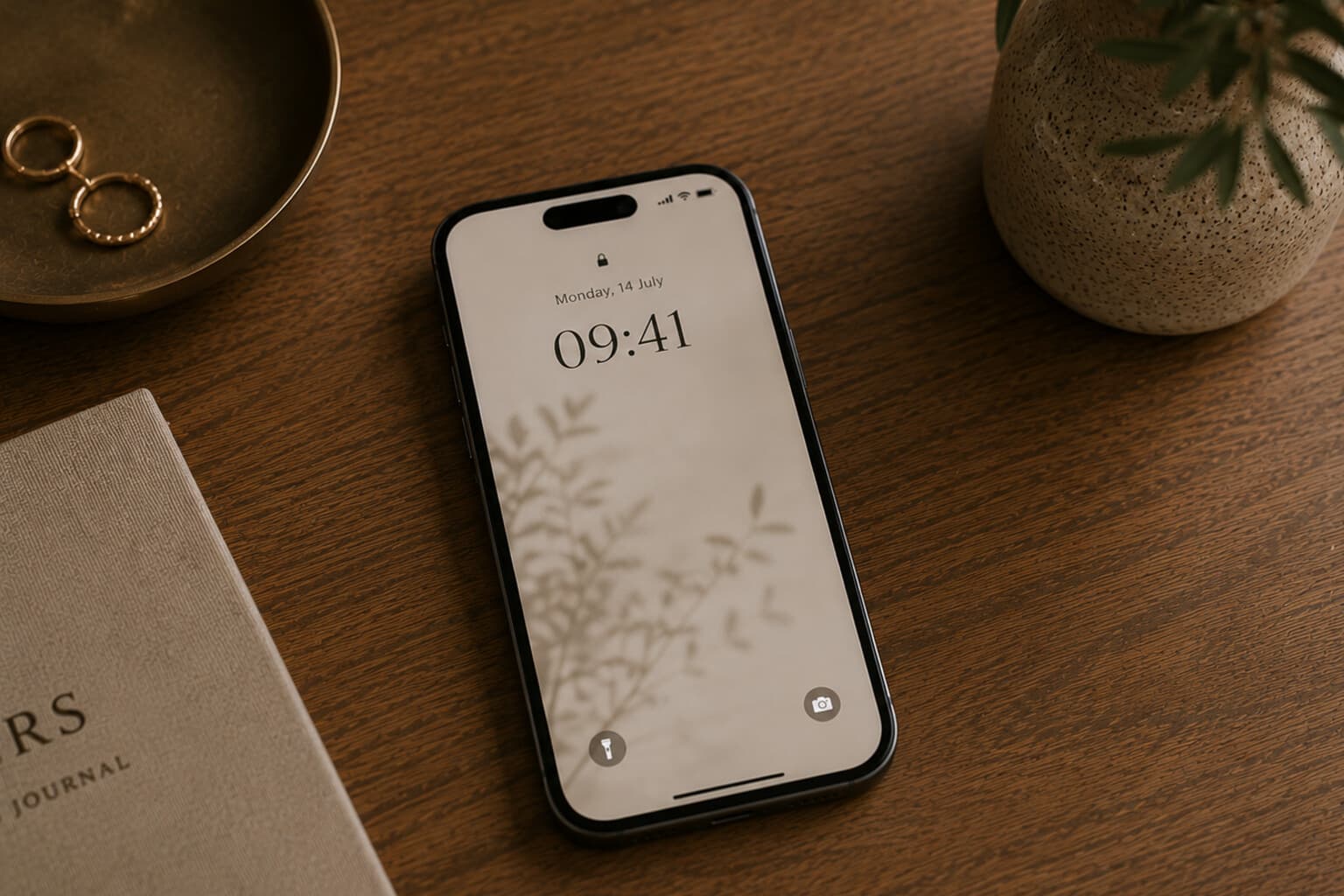
Notifications are designed to make information feel urgent. A new message. A recommendation. A discount. A reminder. A comment. A breaking-news alert. An app that would like you to return.
When every service can interrupt you, it becomes difficult to distinguish between what is timely and what is merely available.
The purpose of notification management is not to silence every device. It is to reserve immediate interruption for information that genuinely benefits from it.
Review Sound, Banners and Badges Separately
A notification may appear as a sound, a vibration, a lock-screen message, a banner, a badge, or an email. You may not need to disable everything.
For example, an app can retain a badge without making a sound or appearing on the lock screen. Choose the least intrusive format that still serves the purpose.
Review Email Notifications
Email rarely requires an alert for every message. Consider keeping immediate alerts only for specific people, critical accounts, security notices and time-sensitive operational messages.
Everything else can be reviewed in the inbox at planned intervals.
Review Group Communication
Group chats and collaboration platforms can generate a continuous stream of updates. Use mentions, priority contacts, muted channels, scheduled quiet hours and thread-specific notifications.
Do not allow every group to claim the same level of urgency.
Create Quiet Periods
Possible quiet periods include during focused work, during meals, during exercise, in the first part of the morning, after an evening cut-off, and during sleep.
A quiet period should protect a meaningful part of the day, not create anxiety about everything being missed.
Review Notifications Monthly
Apps change. Routines change. New services are installed. Once a month, ask: which notification did I consistently dismiss? Which alert interrupted me without helping? Which information do I prefer to check myself? Which notification remains genuinely useful?
Create Three Notification Levels
Level 1: Immediate
- Use for information that may require a timely response.
- Direct calls and messages from important contacts, security alerts, calendar reminders, travel disruptions, emergency information, and time-sensitive work communication where appropriate.
Level 2: Review Deliberately
- Use for information that is useful but does not need to interrupt the current moment.
- Email, shared-project updates, news, delivery updates, banking activity that is not urgent, and social-media messages - these can be checked at chosen times.
Level 3: No Notification
- Use for information that provides little value as an interruption.
- Promotions, shopping suggestions, content recommendations, games, activity summaries, new-feature announcements, and general marketing.
Small Next Steps
- Immediate contacts selected.
- Email alerts reduced.
- Promotional notifications disabled.
- Social-media alerts reviewed.
- Group chats adjusted.
- Sounds and vibration reviewed.
- Quiet periods set.
- Unused app permissions removed.
Pair It With
Frequently Asked Questions
What are the three notification levels?
Level 1, Immediate (calls and messages from important contacts, security alerts, calendar reminders); Level 2, Review Deliberately (email, project updates, non-urgent banking activity, checked at chosen times); and Level 3, No Notification (promotions, shopping suggestions, general marketing).
Does managing notifications mean silencing everything?
No - the purpose is not to silence every device, but to reserve immediate interruption for information that genuinely benefits from it, and let the rest wait to be checked at a chosen time.
Do I need to disable sound, banners and badges all at once?
Not necessarily - they can be reviewed separately. An app can, for example, keep a badge without making a sound or appearing on the lock screen; choose the least intrusive format that still serves the purpose.
How often should notification settings be reviewed?
Monthly - apps and routines change. Ask which notifications you consistently dismissed, which interrupted you without helping, and which remain genuinely useful.
Attention is one of the most limited resources in everyday life.
A notification should earn the right to interrupt it.
A Note on This Content
The content on Essy’s Essentials is intended for general inspiration, personal organisation and educational purposes. It does not constitute personal financial, investment, tax or legal advice. Always consider your own circumstances and seek qualified advice where appropriate. Any amounts shown are illustrative examples only, never a recommendation for what you personally should save or spend.

Written by Esther
Esther is a photographer and storyteller, and the founder of Essy's Essentials - a seasonal home for stories, rituals, recipes and everyday luxuries.
More about Esther →