Microsoft 365 & Productivity
My Day Without the Overload
How to use Microsoft To Do as a daily focus list rather than an archive of every unfinished intention.
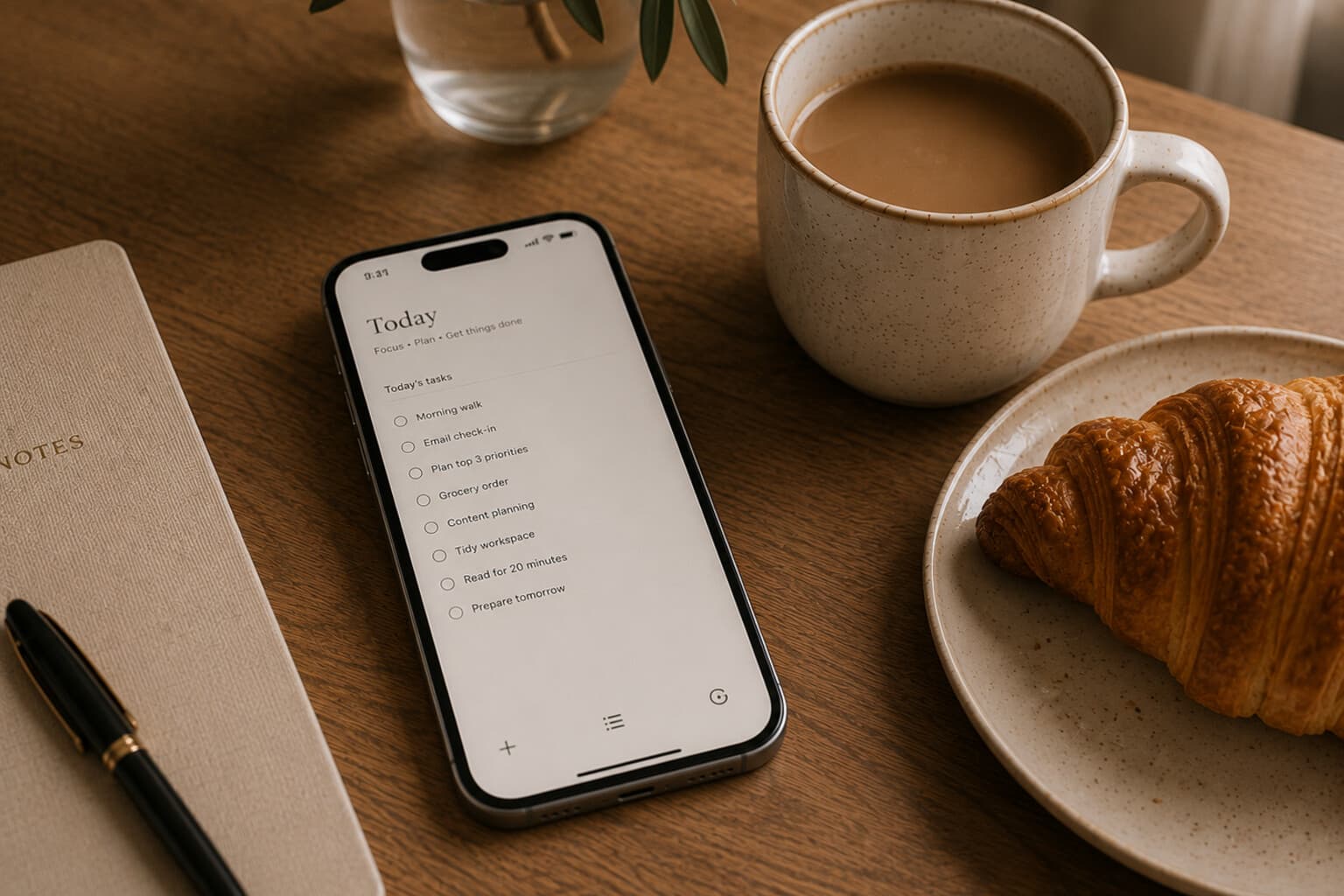
A task list should help you decide what to do. It should not confront you each morning with every action you might complete over the next six months.
Microsoft To Do can collect tasks from different lists and, depending on configuration, flagged Outlook email and assigned Planner work. My Day provides a daily view in which selected tasks can be brought together.
The value of My Day lies in selection. It is not the place where every task belongs. It is the place where today’s tasks are chosen.
Begin With the Calendar
Before selecting tasks, look at the appointments already in the day. A day with five meetings does not have the same task capacity as an open day.
Consider available focus time, travel, preparation, breaks, administrative time and energy. Choose tasks based on the day you actually have.
Select One Essential Outcome
Ask: if only one meaningful task were completed today, which one would matter most? Add that task first, and make it specific enough to begin.
Not "Presentation," but "Complete the first draft of slides 1 to 8." Not "Finances," but "Review the July expenses and note three corrections." Not "House," but "Book the annual boiler service."
Add Two Supporting Tasks
Choose no more than two additional meaningful actions - perhaps one practical task, one communication task, one smaller project step.
The three-task structure prevents the daily list from becoming a disguised backlog. Smaller routine actions can still be completed, but they should not obscure the main work.
Use Separate Lists for Separate Purposes
Possible lists include: This week, Personal administration, Calls and messages, Errands, Waiting, Someday, Recurring routines.
Keep project detail in the appropriate project system rather than copying every small step into one enormous personal list.
Use Due Dates Sparingly
A due date should mean that timing matters. Do not assign today’s date to every task you hope to complete - false deadlines train you to ignore real ones.
Use due dates for actual commitments, renewals, appointments, agreed delivery dates and time-sensitive follow-ups. Use My Day for intention. Use due dates for obligation.
Break Down Large Tasks
A task should normally be small enough to start without another planning session. Instead of "Organise summer holiday," create "Confirm travel dates," "Compare three accommodation options," "Check passport validity," "Create initial budget" and "Book the train."
The project may remain in a note or project plan. To Do contains the next visible actions.
Create a Low-Energy List
Not every useful task requires deep concentration. Maintain a list for moments when energy is limited - file five documents, confirm an appointment, order a replacement item, add receipts to the correct folder, update contact details, reply to a routine message.
This prevents low-energy time from becoming completely unproductive without asking too much of it.
End the Day Deliberately
Before closing: mark completed tasks, remove tasks that no longer matter, return unfinished tasks to the appropriate list.
Do not automatically move every unfinished task into tomorrow. Choose tomorrow’s first task only when it creates useful clarity.
A Daily Selection Template
Today’s essential outcome. One supporting task. One supporting task. Quick actions. Waiting for. Something that can wait.
Pair It With
Frequently Asked Questions
What is Microsoft To Do's My Day actually meant to be used for?
A daily selection of chosen tasks, not a place where every task belongs. Its value lies in selection - it is the place where today's tasks are chosen, not an archive of everything that might get done eventually.
How many tasks should go in My Day each day?
One essential outcome plus no more than two supporting tasks. This three-task structure prevents the daily list from becoming a disguised backlog.
Should every task have a due date?
No - a due date should mean timing genuinely matters. Use My Day for intention and due dates only for actual commitments, renewals, appointments and time-sensitive follow-ups; assigning today's date to everything trains you to ignore real deadlines.
What do I do with tasks that do not get finished by the end of the day?
Mark completed tasks, remove anything that no longer matters, and return unfinished tasks to the appropriate list - without automatically moving every unfinished task into tomorrow.
A useful daily list is small enough to trust.
The objective is not to display everything that remains unfinished.
It is to make the next right actions visible.
A Note on This Content
The content on Essy’s Essentials is intended for general inspiration, personal organisation and educational purposes. It does not constitute personal financial, investment, tax or legal advice. Always consider your own circumstances and seek qualified advice where appropriate. Any amounts shown are illustrative examples only, never a recommendation for what you personally should save or spend.

Written by Esther
Esther is a photographer and storyteller, and the founder of Essy's Essentials - a seasonal home for stories, rituals, recipes and everyday luxuries.
More about Esther →