The Working Life Edit
The Meeting Ends. The Work Doesn’t.
Some meetings need a handwritten action. Others need a transcript, decisions and a shared place to find them. Here’s how I work out the difference.
6 min read
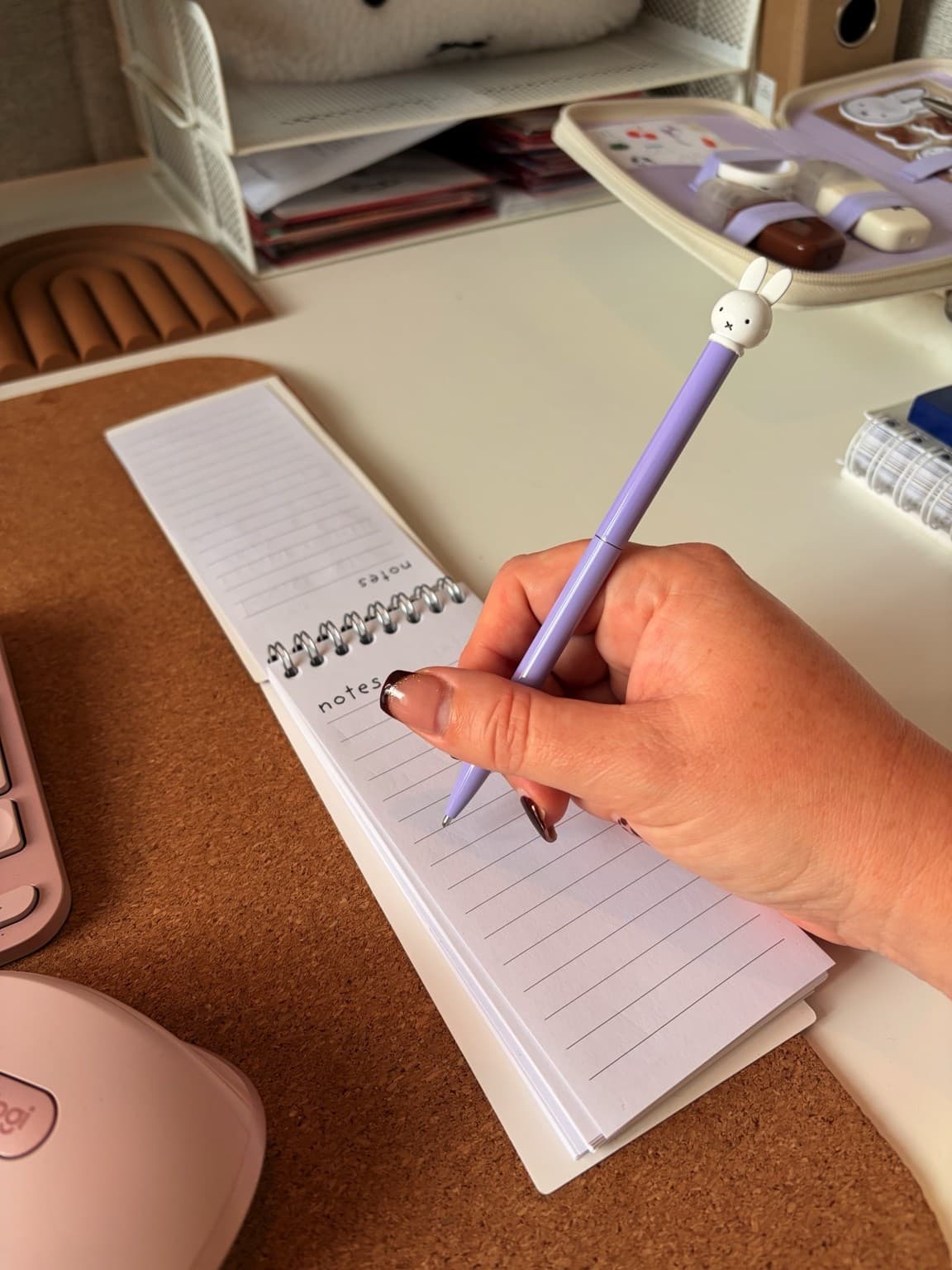
My own to-do list is still handwritten.
I use Microsoft 365 extensively. I use AI, automate whatever I can and have built a shared online workspace for management meetings.
My own to-do list is handwritten.
This is perhaps less contradictory than it sounds. Writing things down by hand helps me keep an overview. A shared meeting record does a different job. And AI can help me turn a long discussion into something useful, provided I still do the part where I check whether it is right.
The aim is to know what needs doing after the conversation ends. The amount of machinery required depends very much on the conversation.
A team week-start doesn’t need the full production
Our team week-start is informal. I take relatively few notes unless someone needs something from me. If they do, it goes onto my to-do list.
That is usually enough for what I need from that meeting.
I like tools, and I’m very willing to put them to work. But I don’t feel obliged to give every conversation a transcript, a summary and a supporting cast of documents. Sometimes the useful outcome is simply remembering to do the thing someone asked you for.
My handwritten list gives me somewhere to put that commitment and keep an overview of my own work. It sits quite happily alongside the digital systems I use for everything else.
The notebook has survived the arrival of AI with its position remarkably intact.
A management meeting needs a different record
For larger meetings, such as a management team meeting, I have the discussion transcribed. I then use AI to help create an overview of what was discussed, together with an action list and a decision list.
Those are different things, and I want to be able to see the difference.
A discussion tells you what people explored. A decision tells you what was agreed. An action tells you what needs to happen next. A readable summary is helpful, but those distinctions are what make the result useful afterwards.
I review the output myself and share the record with the people who attended. If I have an online workspace for that group, I put the meeting record there.
That gives the material somewhere to live beyond the conversation itself.
For someone adapting this approach, I would suggest three questions when checking an AI-assisted record: was this actually agreed, is the proposed action supported by the discussion, and is anything important still unclear? Where an owner or date hasn’t been agreed, a convincing-looking guess won’t improve the minutes.
These are questions to bring to your review, rather than a claim that a particular tool will resolve every ambiguity for you.
The agenda has somewhere to live, too
For one of our regional management teams, I created a working agenda in Microsoft Lists. I also set up an online environment in Teams, connected with a shared OneNote and SharePoint.
I work with these Microsoft tools a great deal. Having a shared environment for the group means I have a place for the agenda and supporting material, as well as somewhere to put the meeting record afterwards.
That connection matters to me more than collecting another application.
A lovely set of minutes is of limited use if nobody knows where to look for it. The practical question is where this particular group will find what it needs. In my setup, the shared workspace is part of that answer.
This is an account of how I organise my own work, rather than a set of instructions for recreating our environment. The useful starting point is the relationship between the agenda, the discussion and what needs to happen next.
I give AI context about the person doing the work
For each AI tool I use, I have a context brief about me. I call it my master prompt.
It explains my responsibilities, the people I work with, my manager and stakeholders, along with my tone of voice and the level at which I need to report. That context helps enormously when I ask AI to work something out.
A summary for my own reference and an update for a management audience have different purposes. Explaining the audience and my role gives the tool a better starting point than expecting it to infer all of that from a short request.
The transferable part is to explain the job you need the output to do: who it is for, what they need to understand and what level of detail is useful. Use the work environment and information your organisation permits; you don’t need to copy somebody else’s team details to give an AI tool a meaningful brief.
My master prompt is a way of providing context. It doesn’t make the output automatically correct, and it doesn’t mean every AI product stores or applies instructions in the same way.
Sometimes I talk the first draft into existence
I often dictate what I want and let AI work it into a draft. That can include material for a presentation, rather than building the whole PowerPoint myself from the beginning.
I still need to know what I want to communicate. Dictating gives me a way to get that thinking out and ask for help shaping it.
Then I review it. Does it say what I mean? Is it accurate? Is it appropriate for the people who will receive it?
I use AI extensively, but I don’t hand over that judgement. A polished sentence can still be wrong. A presentation can look impressively finished while making a point I would never have intended to make.
It is rather inconvenient that a good layout is not proof of a good argument. Nevertheless, here we are.
I ask Copilot to help me look for loose ends
I regularly ask Copilot to go through my mailbox for unanswered emails or follow-up actions. It is another way I try to spot things that need my attention.
I still assess what it brings back. An email appearing in a suggested follow-up list doesn’t settle what I should do about it, or prove that everything else has been found.
For me, this fits the same pattern as the meeting notes: let the tool help with finding and organising material, then apply my own judgement to the result.
I automate whatever I can. I also keep responsibility for what I share and what I decide to do next.
And yes, things still get left
There is plenty that remains unfinished when I am busy. I wouldn’t want to describe this setup as a system that has somehow removed that part of working life.
I can have a handwritten list, a shared agenda and AI helping with the drafting, and still have more to do than I can get through immediately.
What I value is having ways to capture the different kinds of work. A request from the team can go onto my list. A larger meeting can become a checked record with actions and decisions. The group’s material can have a shared home. AI can help me get from the raw material to a draft.
The meeting ending is one point in that process. Knowing what follows it is the part I’m trying to make clearer.
My notebook is still on the desk. So am I.
About the tools
This is my personal working approach, not a feature-by-feature tutorial. Copilot and transcription availability depend on your organisation’s setup, permissions and licences. For current product guidance, see Microsoft’s documentation.
Microsoft Support: Catch up on meetings with Microsoft 365 Copilot in Teams
And for email
Microsoft also publishes guidance on using Copilot to triage email in Outlook.
Microsoft Support: Triage email with Microsoft 365 Copilot in Outlook

Written by Esther
Esther is a photographer and storyteller, and the founder of Essy's Essentials - a seasonal home for stories, rituals, recipes and everyday luxuries.
More about Esther →