Excel workbook
The Private Desk
A beautifully organised Excel workbook for your career plans, savings goals, weekly commitments and the little things waiting for an answer - all in one private place.
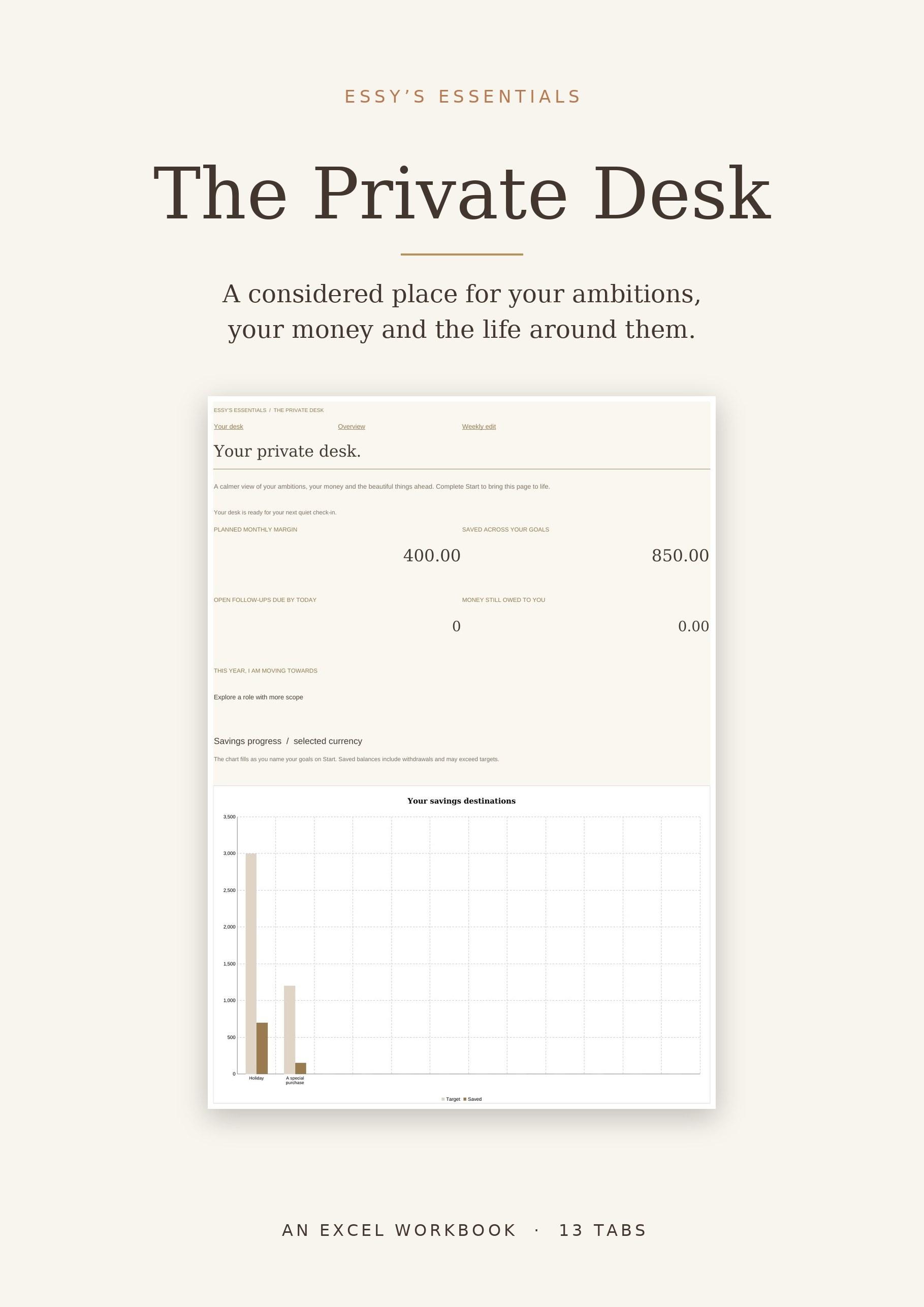
Front
A considered place for your ambitions, your money and the life around them.
Bring your career plans, savings goals, weekly commitments and the little things waiting for an answer into one private place. Begin with Make it yours: add your foundations once, then watch your savings balances, progress and monthly plan take shape. Return for a quiet weekly edit: record a win, update a loose end and make room for what matters next.
EXCEL WORKBOOK · 13 TABS + 5-PAGE START GUIDE
The Beautifully Organised Collection · Excel Workbook
The Private Desk is a blank 13-tab Excel workbook for the woman who wants to move forward with intention. It keeps your career, money and weekly life in one file that you save and own.
On Start you add your year, currency, monthly money plan, annual leave and up to 12 savings goals. Your overview, goal progress and monthly figures then build themselves from the entries you make. Beige cells are for your entries; calculation cells are protected to help prevent accidental changes.
A five-page start guide is included. It is a workbook, not an app: you move through cells, tabs and links, and nothing is sent anywhere.
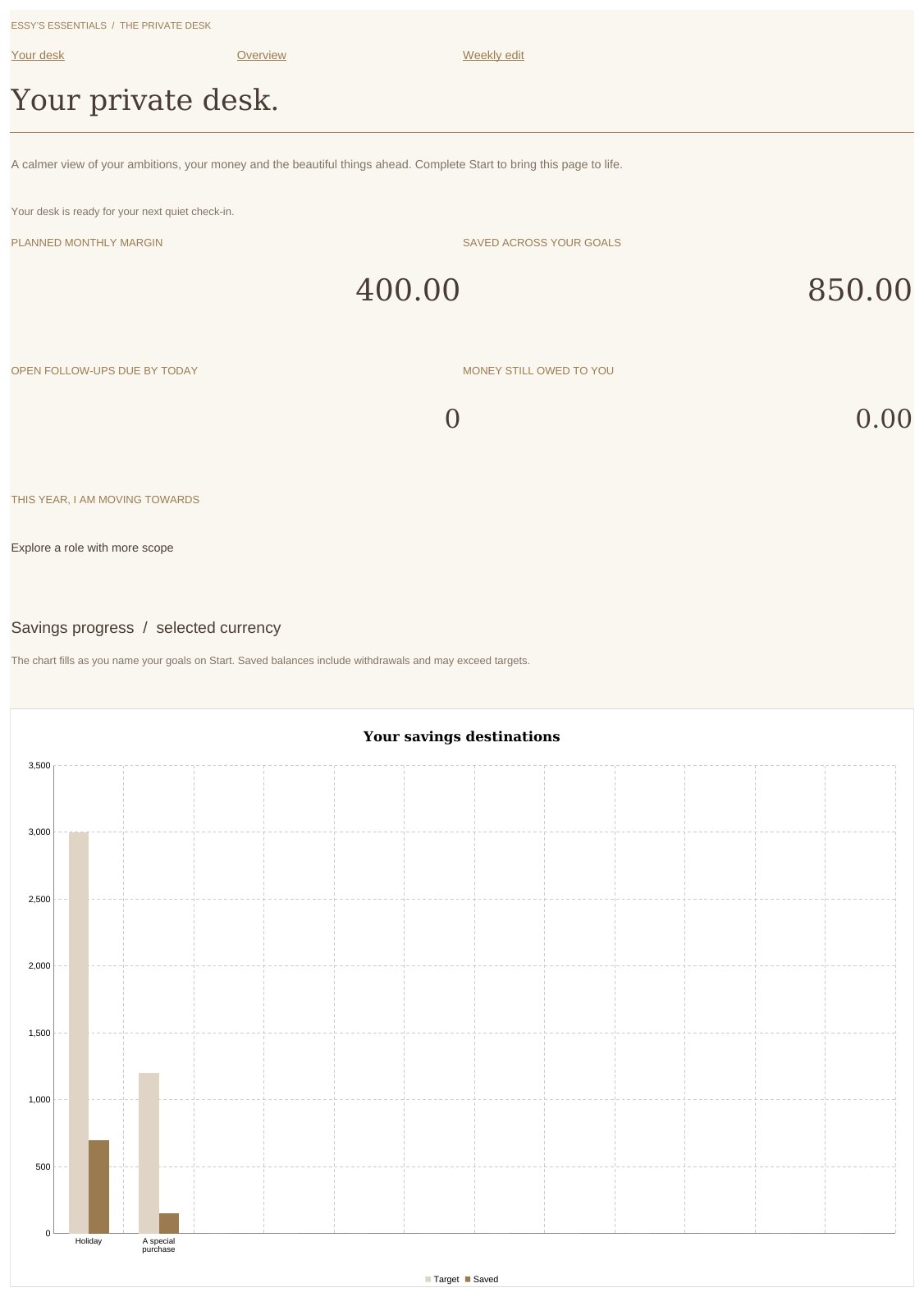
Overview. Illustrative entries; your workbook arrives blank.
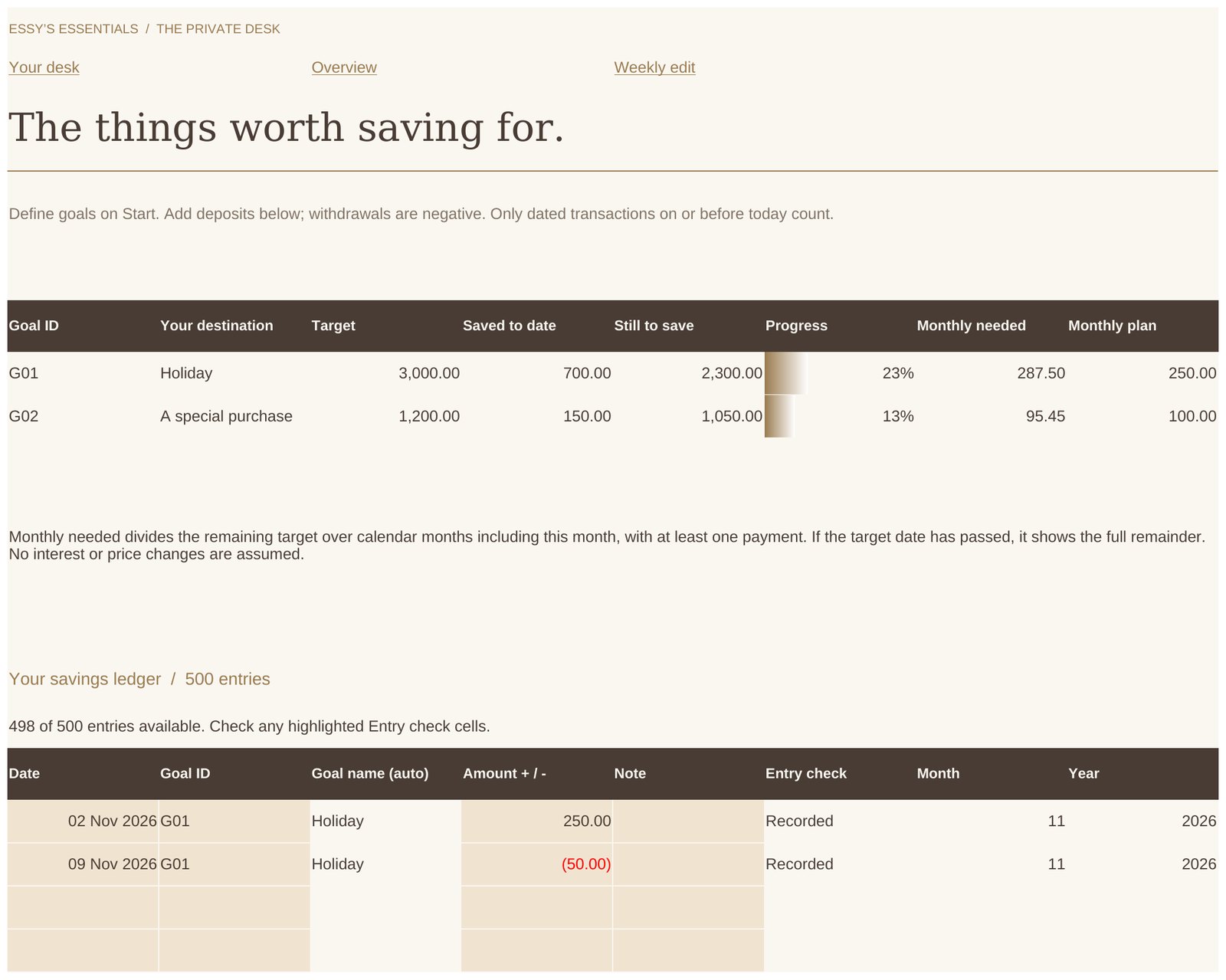
Goals. Illustrative entries; your workbook arrives blank.
Not an app, and not a Goodnotes template or fillable PDF.
No bank connections, reminders or automatic sync between devices.
Not verified for Numbers or Google Sheets - Microsoft Excel is required.
Not financial, tax, investment or legal advice.
Who It’s For
- You want career evidence, savings goals and weekly commitments in one private file.
- You like a calm weekly edit more than a daily tracker.
- You already use Microsoft Excel and are happy to save and manage your own file.
- You want to keep dated entries from several years in the same working file.
How It Feels to Use
- Begin on Start: add your foundations once.
- Name up to 12 savings goals and watch balances and progress appear.
- Plan your monthly money and your next weekly commitments.
- Keep career evidence, conversation notes and follow-ups where you can find them.
- Return for a quiet weekly edit and a monthly reflection.
How the desk works
Add your details on Start. Record dated savings once on Goals. Plan the week on Week, and keep your evidence, conversations and follow-ups in their own tabs.
Enough structure to keep everything in one place, without turning it into a programme to keep up with.
A Peek Inside
- Start: the Make it yours page
- Overview: goals, progress and the monthly plan
- Week: dated commitments
Use It For
- Savings goals and a savings ledger
- Monthly money planning
- Weekly commitments and priorities
- Career evidence and conversation preparation
- Follow-ups, travel planning and a considered wishlist
Product Details
Frequently Asked Questions
What will I receive?
One ZIP file containing the blank Excel workbook (The-Private-Desk.xlsx) and a five-page start guide (Read-Me-First.pdf), after successful payment. Nothing is shipped.
Do I need Microsoft Excel?
Yes. This is an .xlsx workbook with native formulas and charts, designed for Microsoft Excel. Microsoft software is not included in the price. Editing on some iPads requires a qualifying Microsoft 365 subscription, so please check your device and plan before buying. Numbers and Google Sheets are not verified for this edition.
Is it an app or a Goodnotes planner?
No. It is an Excel workbook that you save and manage yourself. There is no Essy’s Essentials customer account, no automatic sync between devices, and no subscription, new features or ongoing content updates.
Can I change the formulas?
Calculation cells are protected to help prevent accidental changes; the beige cells are yours to fill in. The protection has no password and is not a security feature.
Who can see my entries?
Only you. Your entries live in your own saved copy of the file; Essy’s Essentials does not receive them and cannot restore a lost file, so keep a dated backup.
Does it include financial, tax or investment advice?
No. The workbook is for personal organisation and reflection only. It does not provide financial, tax, investment or legal advice.
What if my download does not arrive?
Check the email address used at checkout and your spam or promotions folder. If it is still missing, use the resend option on your order page or contact essy@essyspictures.com with your order number.
Can I request a refund?
Because this is digital content delivered immediately after payment, the standard 14-day right of withdrawal does not apply once you have confirmed this and received access - see the checkout step for the exact wording you agree to. Paid digital products are non-refundable once delivered.
What’s Included
The Private Desk includes:
- A blank 13-tab Excel workbook: Start, Overview, Goals, Money, Week, Career, Conversations, Follow-up, Escapes, Wishlist, Weekly edit, Monthly edit and Inspiration.
- 12 savings goals, a savings ledger, a dashboard and a chart.
- Monthly money planning and weekly commitments.
- Career evidence, conversation preparation and follow-ups.
- Travel planning, a considered wishlist, and weekly and monthly reflections.
- Optional reading and a Spotify playlist link (internet access needed for links).
- A five-page start guide (Read-Me-First.pdf).